Take control of your digital wealth

Have true ownership of your crypto assets

We secure your wallet, but don't control or have access to your private keys or secret phrases - only you do.

send-received-img
send-received-img

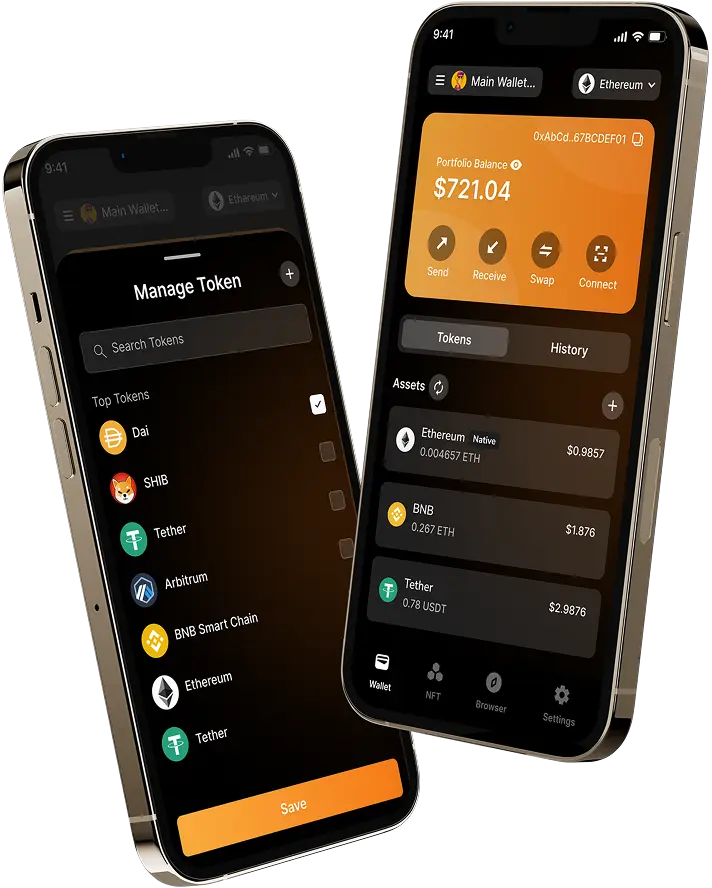
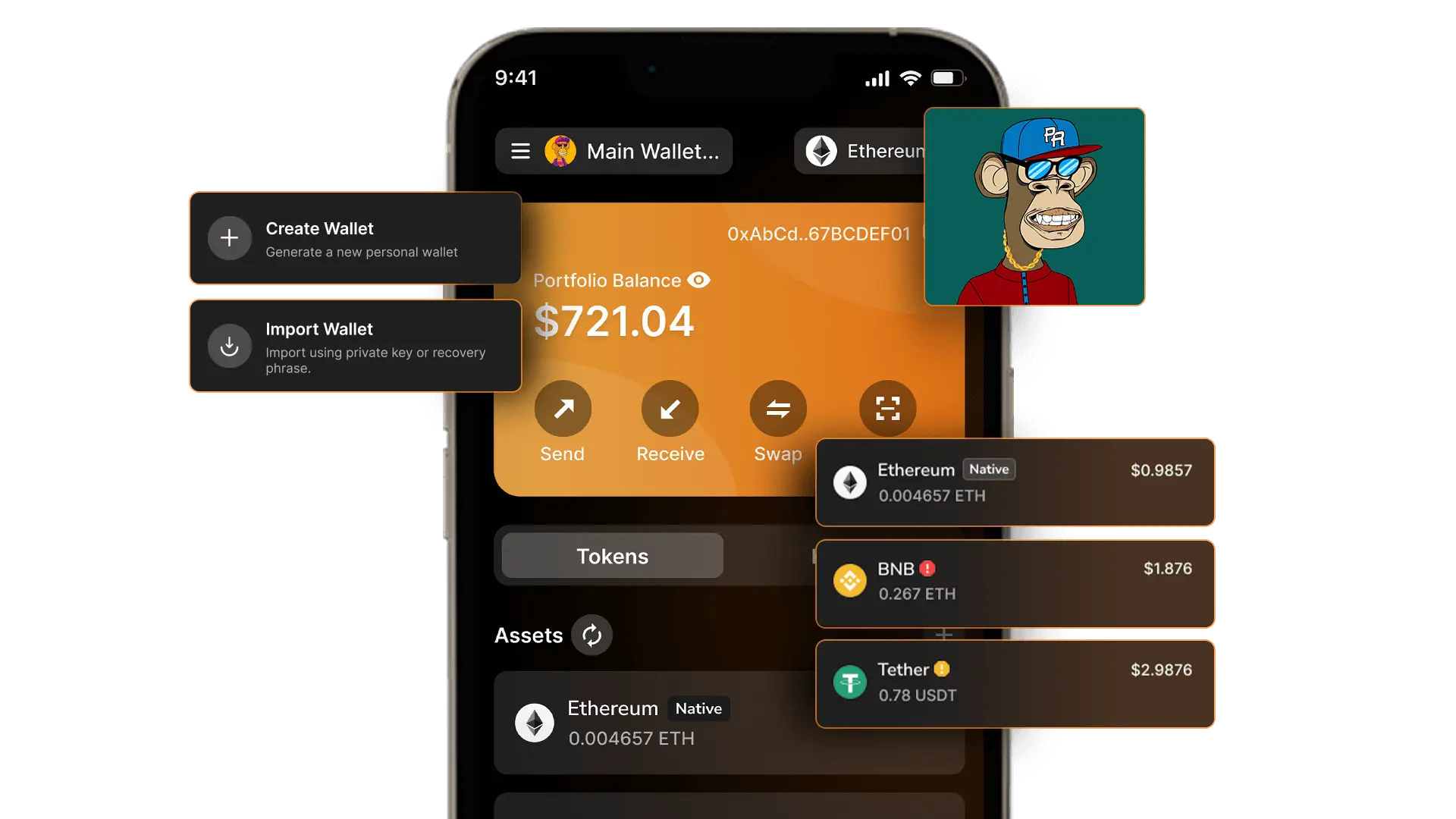
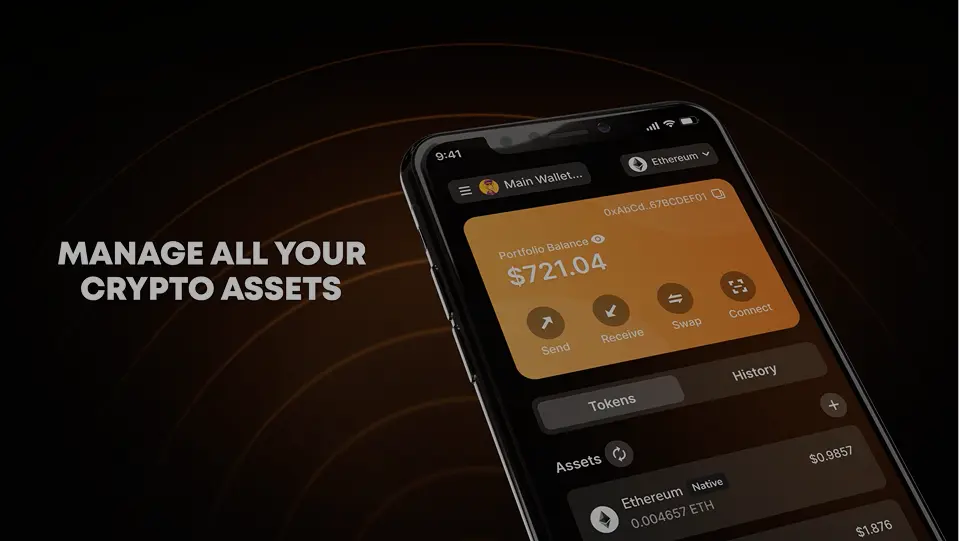
Monitor Store, Send and Receive Tokens & NFTs

CoinGuard Wallet provides a secure key vault, effortless login, and dedicated token storage. It equips you with all the necessary tools to manage and protect your digital assets, as well as view your NFTs.

Coinguard Development kit

Get our SDK for Seamless Integration

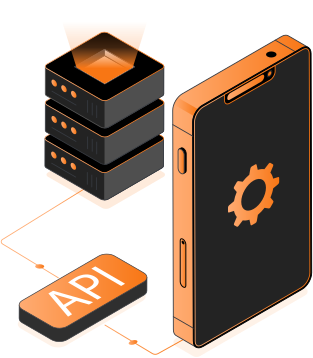
Unlock the power of CoinGuard SDK for seamless integration in your Games and Applications.

developmentkit-img

Manage Protfolio

Multi-Wallet and Multi-Account Creation Support

Create multiple wallet accounts for different Web3 sites to isolate risks.

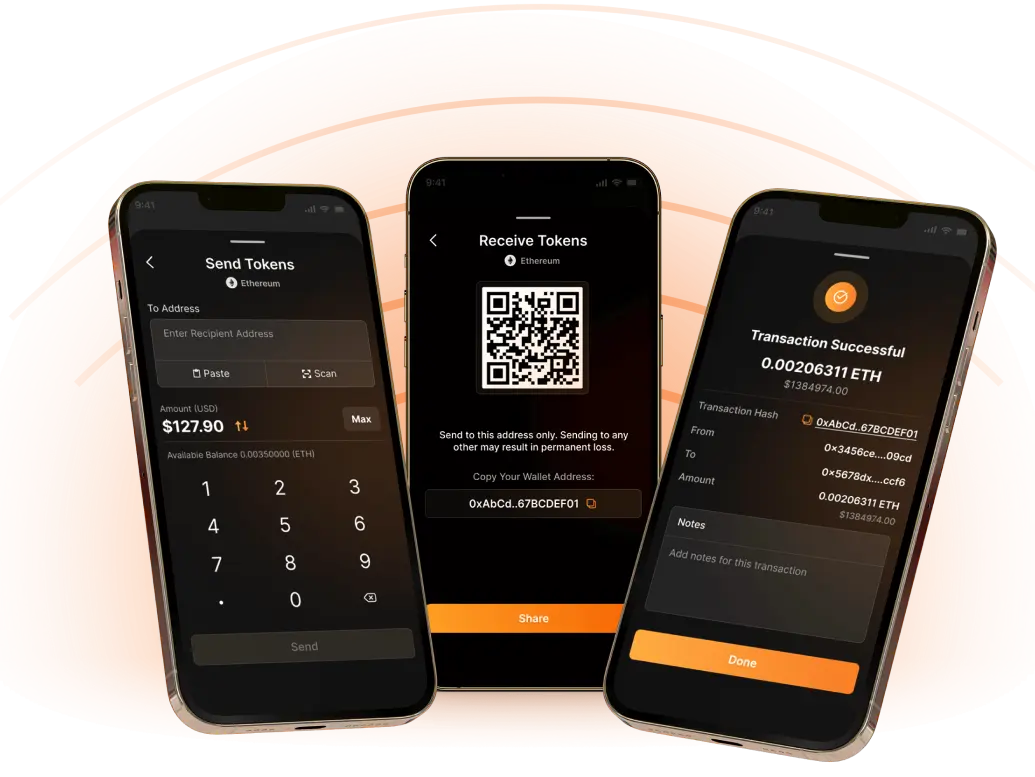
Send / Receive Tokens

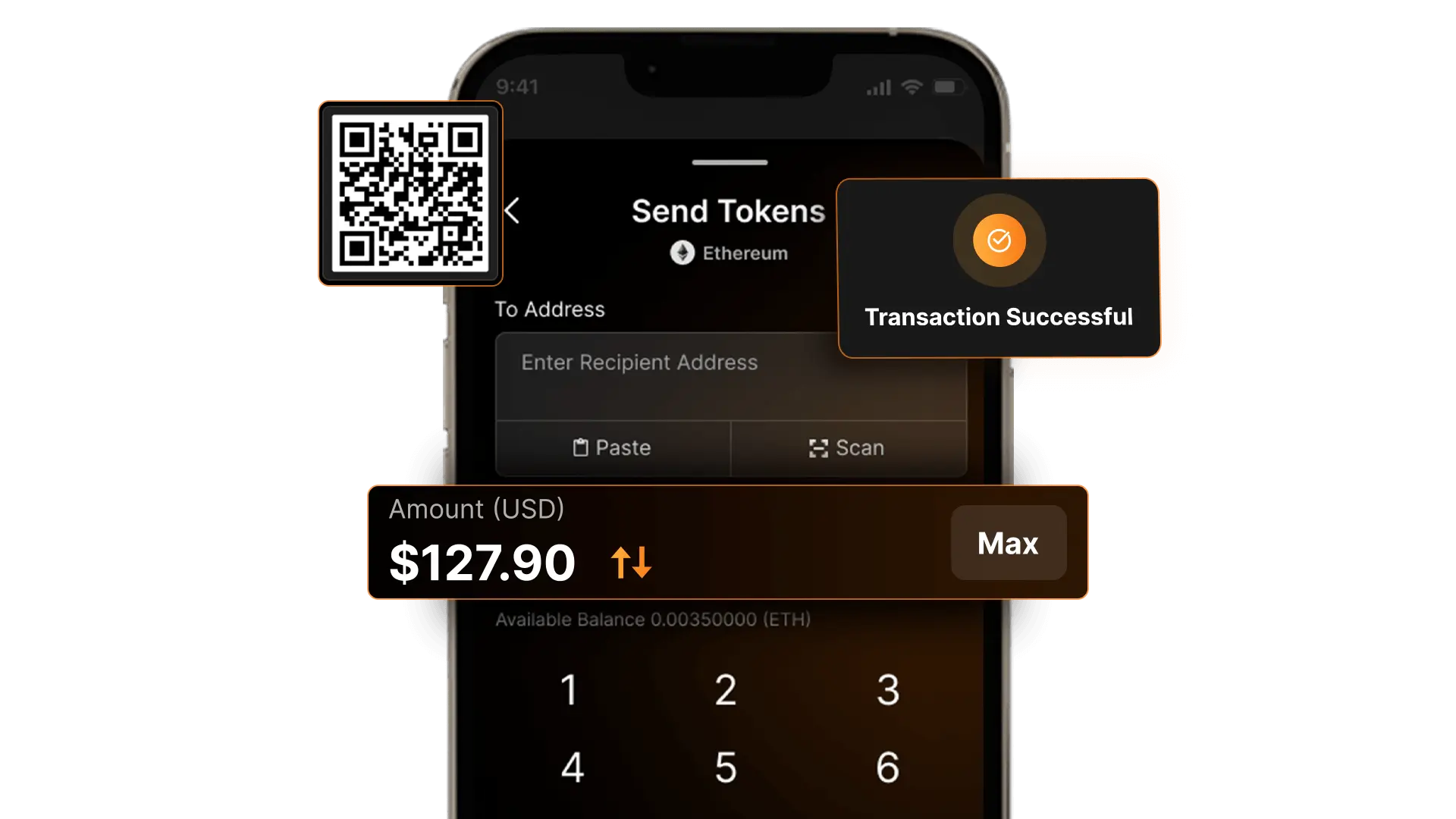
It allows you to send, receive, spend & exchange your digital assets.

Swap Options Feature

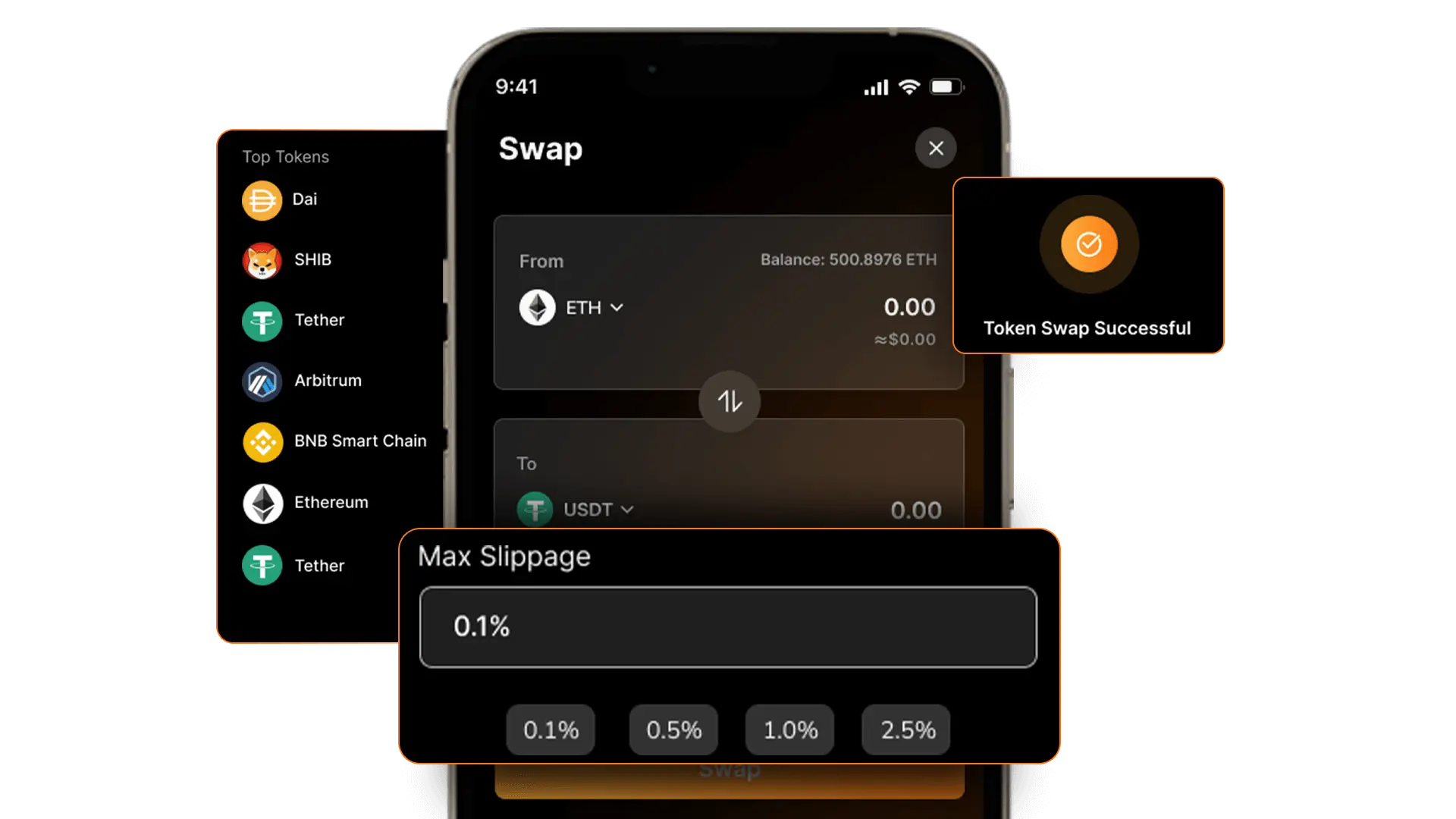
Swap crypto directly from your coin Guard mobile app and browser extensions we enable, seamless and free

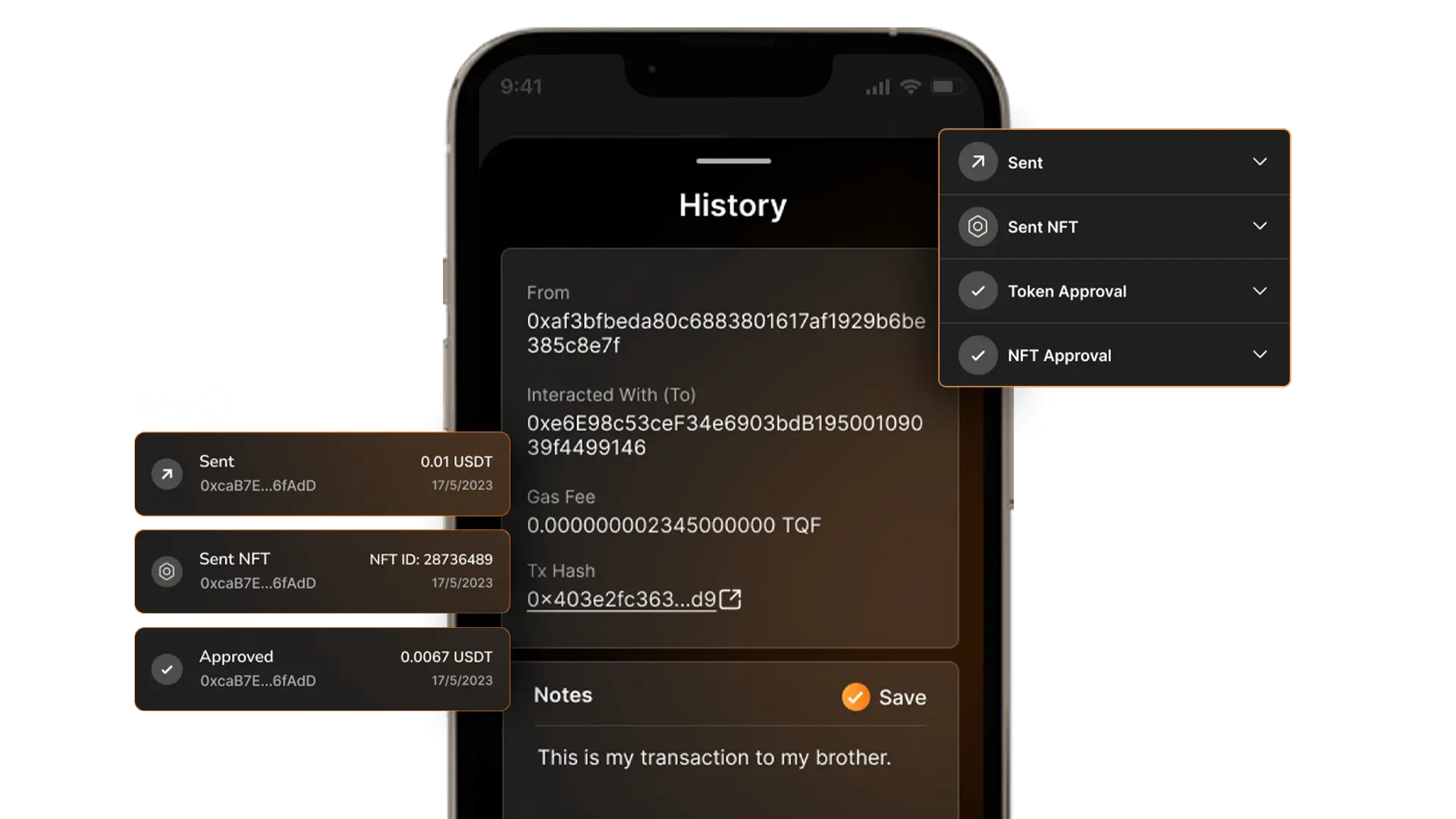
Transaction History

Clear and easy to find Information about your account transactions is available in your "Transaction History" section

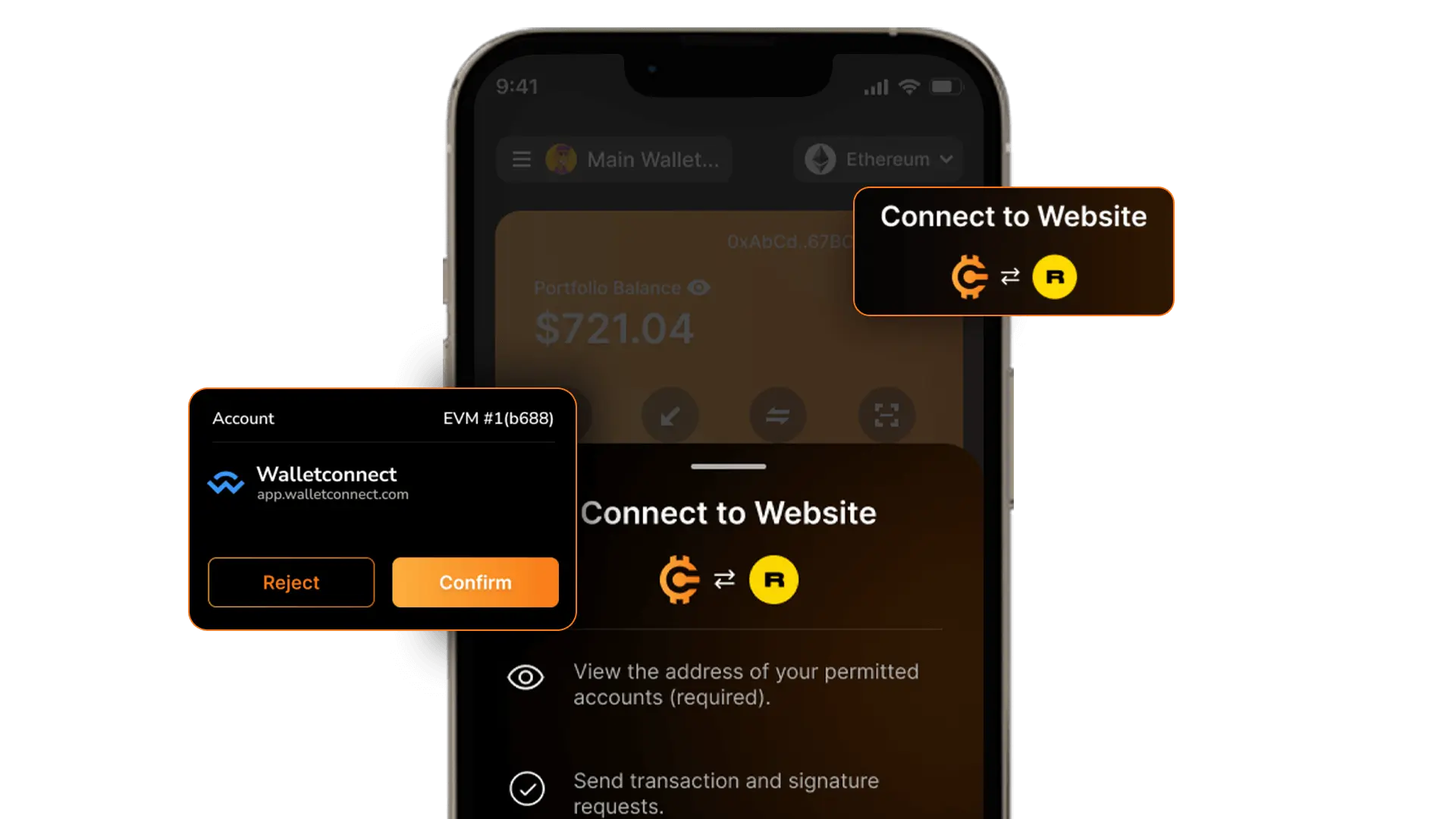
Connect to dApps

Securely log into Decentralised Applications and websites to trade assets, lend, borrow, play games, publish content, buy rare digital art, and much more.

CoinGuard Offers Simple Rich and Useful Functionalities

Manage Multi-Accounts & Portfolios
Create multiple wallet accounts for different Web3 sites to isolate risks.
Send & Receive Tokens
It allows you to send, receive, spend & exchange your digital assets.
Swap Options Feature
Clear and easy to find Information about your account transactions is available in your "Transaction History" section
Transaction History
Swap crypto directly from your coin Guard mobile app and browser extensions we enable, seamless and free
Connect to dApps
Securely log into Decentralised Applications and websites to trade assets, lend, borrow, play games, publish content, buy rare digital art, and much more.
cgwc-icon
Safe Transactions

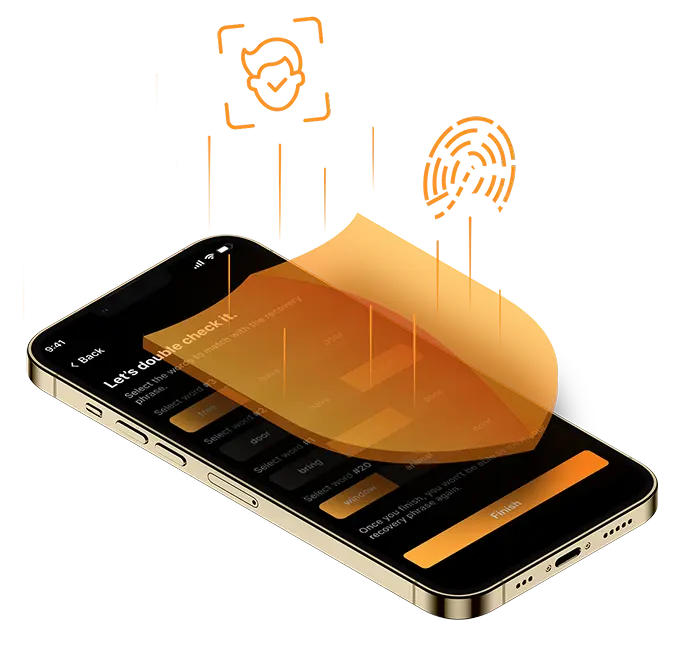
Transactions are end-to-end encrypted and fully on-chain with 2FA (Two factor Authentication) and Biometrics built in

cgwc-icon
Industry Best Practices

Generate passwords and keys on your phone and keep your accounts secure that prevent unauthorized access to your assets

video-placeholder
cgwc-icon
Highly Secured

Fully secure with wallet keys double encrypted and fully self managed on your own mobile device

cgwc-icon
Trade Assets

Discover new and innovative crypto assets with over 200 spot trading pairs and 25 margin.

Frequently Asked Questions

You can import the wallet using two following methods

1.  Using a Seed Phrase (12, 24 words)
  1.  Install the Coinguard wallet app
  2. Open the app and select "Import Wallet" or "Restore Wallet."
  3. Enter your 12 or 24-word seed phrase in the correct order.
  4. Set a new password (if required).
  5. Your wallet will be restored, and you should see your assets.

2. Using a Private Key
  1. Open your Coinguard wallet app.
  2. Go to the "Import Wallet" or "Restore Wallet" section.
  3. Select "Import using Private Key."
  4. Enter your private key (never share this!).
  5. Your wallet will be restored.
Whenever you open the Coinguard wallet, a backup reminder will appear if you haven’t backed up your wallet yet. By clicking the Backup button, you will be directed to the wallet backup section, where you will see step-by-step instructions. The wallet will then display your recovery phrases, which you must confirm. Once successfully verified, your wallet backup will be completed. You can also take the backup of the wallet by going into the settings of the Coinguard wallet where you can see the option of Backup
A Monitor Wallet is a cryptocurrency wallet that allows you to monitor balances and transactions without having access to spend the funds. It is mainly used for tracking the wallet and security purposes.
To swap crypto in a Coingaurd wallet, open your Coinguard wallet, then navigate to the "Swap" or "Exchange" feature. Select the tokens you want to swap (e.g., ETH to USDT), enter the amount, and ensure you're on the correct blockchain (Ethereum, BSC, Polygon, etc.). Review the exchange rate and gas fees, then click "Swap" or "Confirm" and approve the transaction in your wallet. Once processed, the swapped tokens will appear in your wallet. Always double-check fees and network details before proceeding to avoid unnecessary costs.
Your funds are not on the app. They are on the blockchain network itself. The app just allows you to access an address and make transactions out of it by using your Recovery Phrase